Road to Jukai Steam Deck Compatibility
Unknown status on Steam, PC hardware context, and honest handheld expectations.
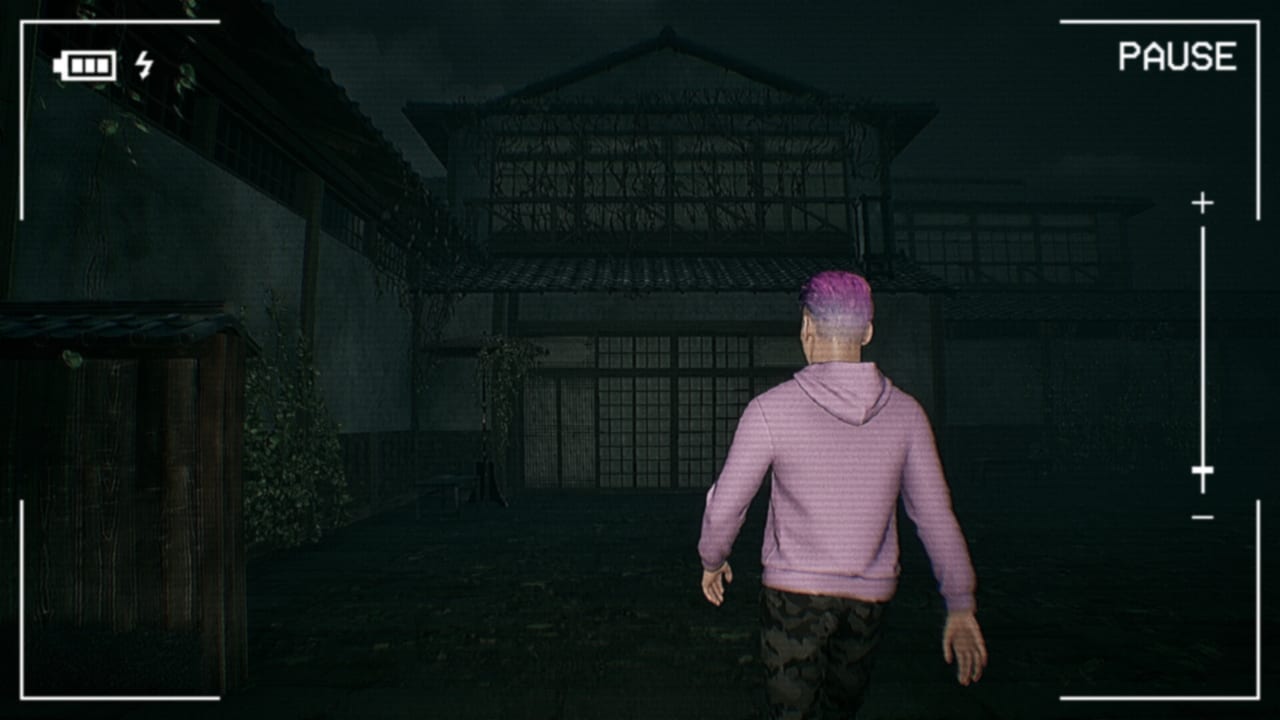
Road to Jukai is an upcoming single-player psychological horror title for PC on Steam, with a full release aimed at 2027 and a Steam playtest already in motion. Handheld players naturally ask whether the Steam Deck will run it cleanly. This page answers that question with the only honest public answer available today: Steam Deck Compatibility is listed as Unknown on the Steam store. We do not claim Deck Verified, Playable, or Unsupported badges that Valve has not published for app 4124320.
Use this page together with System Requirements for the desktop baseline, Controls for input expectations, Join the Playtest for access steps, and the Wishlist Guide so you catch store-widget changes. Return to the Tools Hub when you need the full helper map.
What “Unknown” means on Steam
Valve’s Steam Deck section on a store page can show Verified, Playable, Unsupported, or Unknown. Unknown means there is no published Deck rating yet—not that the game is guaranteed broken, and not that it is guaranteed fine. Community Proton notes, Discord anecdotes, and trailer footage on a living-room TV do not replace the official widget. Until Endflame, tinyBuild, or Valve update that field, treat every handheld claim as provisional.
If you see a third-party site advertising “Road to Jukai Steam Deck Verified,” ignore it. This wiki will only upgrade language after the live Steam page changes. Recheck Road to Jukai on Steam before you buy a dock, a microSD, or a second charger specifically for this title.
PC specs as a handheld reality check
Steam’s published minimum PC targets are a useful floor even when Deck status is Unknown:
- OS: Windows 10 64-bit (Deck itself is Linux/SteamOS—Proton translation is the open question)
- CPU: Quad-core around 2.5 GHz
- RAM: 8 GB minimum
- GPU: GTX 760 class (or equivalent)
- API: DirectX 11
- Storage: about 2 GB free
Recommended comfort sits nearer 16 GB RAM and a GTX 1070 Ti class GPU. The Steam Deck’s APU is not a desktop 1070 Ti. Foggy night roads, headlights, and cabin contrast—the exact scenes Road to Jukai sells—are fill-rate hungry. Even if a playtest build launches on Deck hardware, expect to drop resolution scale, volumetric fog, shadows, and effects before you chase a locked 60. A stable 30–40 with readable UI often beats a stuttery uncapped run that turns every hitch into a fake scare.
Partial controller support on a handheld
Steam lists partial controller support. On a Steam Deck that matters twice: the built-in controls are a gamepad, and some UI may still assume keyboard or mouse precision. Plan for:
- Checking in-game rebinding as soon as a playtest build installs.
- Keeping a Bluetooth keyboard nearby for stubborn menus if your build still shows keyboard hints.
- Testing gyro only as an optional look aid—do not assume the game ships a polished gyro profile.
- Confirming prompt icons match the pad you are holding; mixed prompts are a common early-build issue.
Deep dive the input mindset on Controls. Partial support is not a ban on pads; it is a warning that UI polish may lag the driving fantasy.
Practical Deck prep while status stays Unknown
- Wishlist and Follow via the Wishlist Guide so Deck rating changes and playtest emails surface in Steam.
- Request playtest access with Join the Playtest on the account you actually use on the handheld.
- Install to internal SSD when possible; fog streaming plus shader compile stutters feel worse on a slow card.
- Cap frame rate in SteamOS or in-game to protect thermals during long night shifts.
- Lower fog and post-process first if exterior roads hitch; resolution scale second.
- Disable heavy overlays while validating a new build.
- Note Proton version if you experiment with compatibility tools, and report results through official channels on Official Links rather than expecting the wiki to certify your tweak.
- Bring wired audio or a solid BT headset plan—cabin whispers matter as much as frame time.
Playtest versus 2027 launch expectations
A playtest build can differ from the shipping 2027 client in size, preset names, controller completeness, and Proton behavior. Passing a short Deck session in playtest does not freeze a Verified badge into place. Failing to launch on day one of a playtest does not prove the final game will stay Unknown forever. Log what you tried (TDP limit, resolution, Proton build, preset) so feedback is useful to Endflame.
What this page will not do
We will not invent a Verified medal. We will not host cracked Windows builds “optimized for Deck.” We will not promise shared taxi nights—this remains a single-player horror drive. We will not treat YouTube handheld showcases as Valve ratings. When the store widget changes, this page and System Requirements should be updated together so the wiki stays consistent.
Related reading
- Tools Hub — all Steam helpers.
- System Requirements — full min/rec table and fog performance tips.
- Wishlist Guide — wishlist, follow, notifications.
- Controls — keyboard default and partial pad notes.
- Join the Playtest — request access and feedback habits.
Bookmark this Steam Deck page if you live on handheld hardware: recheck Unknown status before each major playtest wave, tune fog before blaming the Jukai for stutter, verify partial controller prompts on the built-in pad, and keep your Steam follow intact so a future rating change does not pass you by. The forest should unsettle you; your compatibility assumptions should stay calm and evidence-based.
Frequently Asked Questions
Quick answers for night-shift drivers preparing for Jukai.
Is Road to Jukai Steam Deck Verified?
No claim is made here. Steam currently lists Deck compatibility as Unknown—recheck the live store widget for app 4124320.
Can I still try the playtest on a Steam Deck?
You can request playtest access on Steam, but launch success and performance are uncertified while status remains Unknown. See Join the Playtest for request steps.
How do PC system requirements relate to the Deck?
Use the GTX 760 / 8 GB minimum and GTX 1070 Ti / 16 GB recommended figures as a desktop baseline. The Deck APU is different; expect lower presets and fog cuts. Full numbers live on System Requirements.
Does the game fully support the Deck’s controls?
Steam lists partial controller support. Test rebinding in your build and keep alternate input ready for stubborn UI. Details are on Controls.
Where should I watch for Deck rating changes?
Follow and wishlist via the Wishlist Guide, then recheck the Steam store Deck section. Official Links lists studio channels for announcements.