Road to Jukai Supported Languages
Steam language coverage versus what this wiki currently localizes.
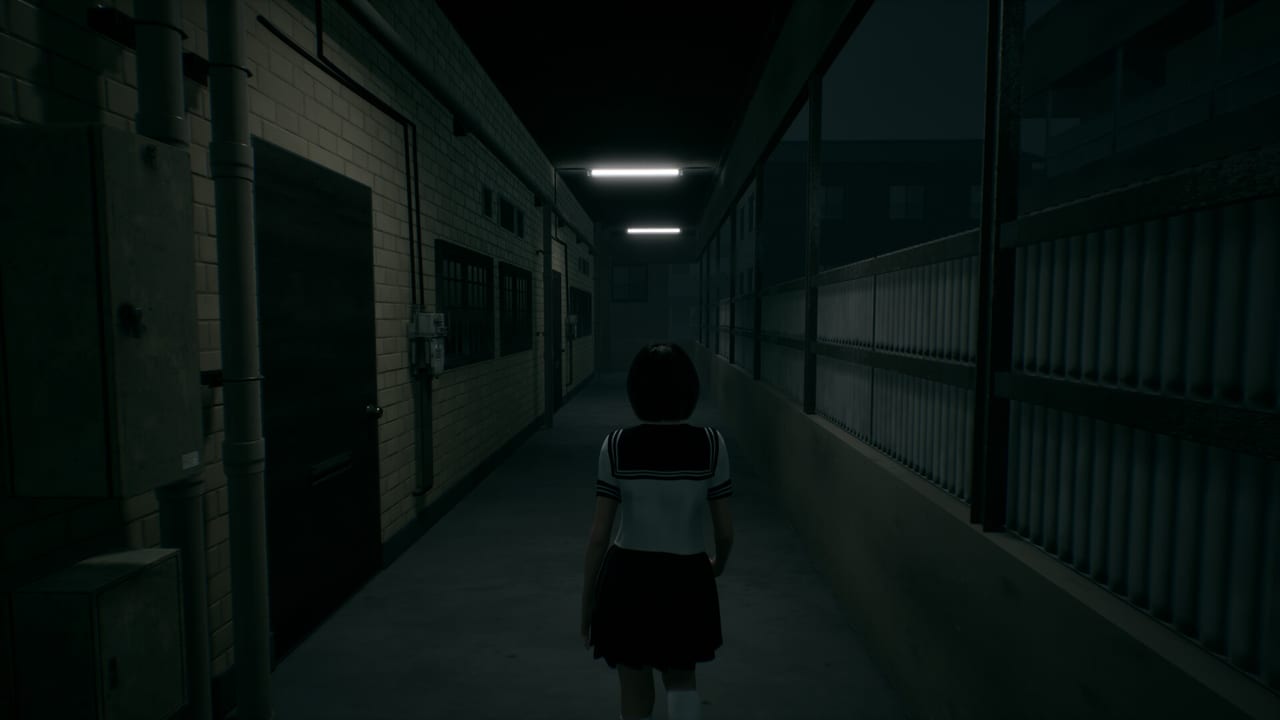
Language support decides whether whispered cabin dialogue lands, whether menus make sense on a foggy first launch, and whether you can share the game with friends who do not play in English. This Tools page lists Steam-facing languages publicly associated with Road to Jukai, clarifies how that list differs from this wiki’s locales, and walks through practical setup tips for playtest and launch. Pair it with System Requirements for hardware and the Wishlist Guide for store follow steps.
Steam languages (public list)
According to public Steam information used by this wiki, Road to Jukai lists support across:
- English
- Spanish
- Catalan
- French
- German
- Japanese
- Simplified Chinese
- Russian
- Brazilian Portuguese
Always recheck the live Steam store page for app 4124320—Road to Jukai on Steam—because interface, full audio, and subtitle columns can differ by category and can change as Endflame and tinyBuild approach the 2027 release. A language present for subtitles may not imply full voice acting. A playtest build may ship with a smaller temporary set than the final store table.
Wiki locales versus game locales
This fan wiki currently publishes in English, French, German, and Spanish (en, fr, de, es). That is a documentation choice, not a claim that the game lacks Japanese, Russian, Catalan, Simplified Chinese, or Brazilian Portuguese. Conversely, when the wiki adds or omits a language, Steam support does not automatically change. Use this page for game client expectations; use the language switcher in the site header for wiki reading language.
If you need mechanical help while playing in Japanese or another language the wiki does not yet cover, the English guides still work for systems vocabulary—How to Play, Controls, Join the Playtest—and official store text in your Steam language remains authoritative for purchase details.
Why Catalan appearing matters
Catalan support is easy to miss in headline marketing that only shouts “English plus major European languages.” If Catalan is listed on Steam for your build, enable it explicitly in the game or Steam language settings rather than assuming Spanish coverage substitutes perfectly. Players who care about Catalan should verify after each major playtest update, because early builds sometimes lag behind the marketing table.
Setup checklist before a night shift
- Set Steam’s language preferences for download and cloud where relevant.
- Launch the playtest or review build and open in-game options.
- Confirm interface language separately from subtitle language if both exist.
- Enable subtitles even in your native language if whispers matter—horror mixes audio beds with quiet speech.
- If glyphs or font sizes feel weak in foggy UI, include that in playtest feedback.
- Keep Content Warnings in mind; language comfort does not remove mature themes.
Partial controller support and on-screen prompts
Steam lists partial controller support. Language packs interact with prompt icons: some builds show keyboard hints even when a pad is connected, or fail to localize a late-added prompt string. If you spot mixed-language UI, capture a screenshot and note your Steam client language plus in-game setting when you report it. Controls guidance on Controls still applies regardless of font.
Trailer language versus in-game language
Trailers may be English-only, Japanese-facing, or showcase-cut without UI. A Japanese announcement film—cataloged on Trailers and embedded on TinyBuild Connect 2026—does not prove your playtest UI is Japanese by default. Always set language in the client. Conversely, English trailer VO does not mean Japanese text support is absent.
Wishlist, store page, and news language
Steam news posts may appear in a subset of languages even when the game lists broader subtitle support. Wishlist and follow anyway so you catch patches; use Endflame channels on Official Links when a news blurb is English-only and you need community translation help. Do not download random “language packs” from third parties—this single-player Steam title should receive text through official updates.
How language choice affects spoiler communities
Spoiler cadence differs by region. If you play in Japanese and read English wiki pages, watch dates on Updates Hub posts so you do not mix an old Silent Road article with a new playtest rule. When sharing clips, label audio/UI language so viewers know why a prompt reads differently from their build.
Related tools and guides
- Tools Hub — specs and wishlist helpers.
- System Requirements — hardware baseline.
- Wishlist Guide — follow and notify steps.
- Getting Started — premise briefing.
- Guides Hub — full how-tos.
Supported languages are part of accessibility and part of atmosphere. Confirm the Steam table, set subtitles before the first uncanny fare, remember this wiki’s four-locale scope, and keep your client updated so a 2027 patch does not drop you into the Jukai with half a menu translated.
Frequently Asked Questions
Quick answers for night-shift drivers preparing for Jukai.
Which languages does Road to Jukai list on Steam?
Public materials list English, Spanish, Catalan, French, German, Japanese, Simplified Chinese, Russian, and Brazilian Portuguese—recheck the live store table for your build.
Does this wiki cover all Steam languages?
No. The wiki currently focuses on English, French, German, and Spanish documentation.
Is audio fully dubbed in every listed language?
Not necessarily. Steam columns for interface, full audio, and subtitles can differ. Verify on the store page.
Can a playtest miss some languages?
Yes. Early builds may ship partial localization. Report missing strings with screenshots when possible.
Where should I go after setting language?
Confirm hardware on System Requirements, then read Getting Started or Join the Playtest.