Road to Jukai System Requirements
Minimum and recommended PC specs, plus fog-and-night performance advice.
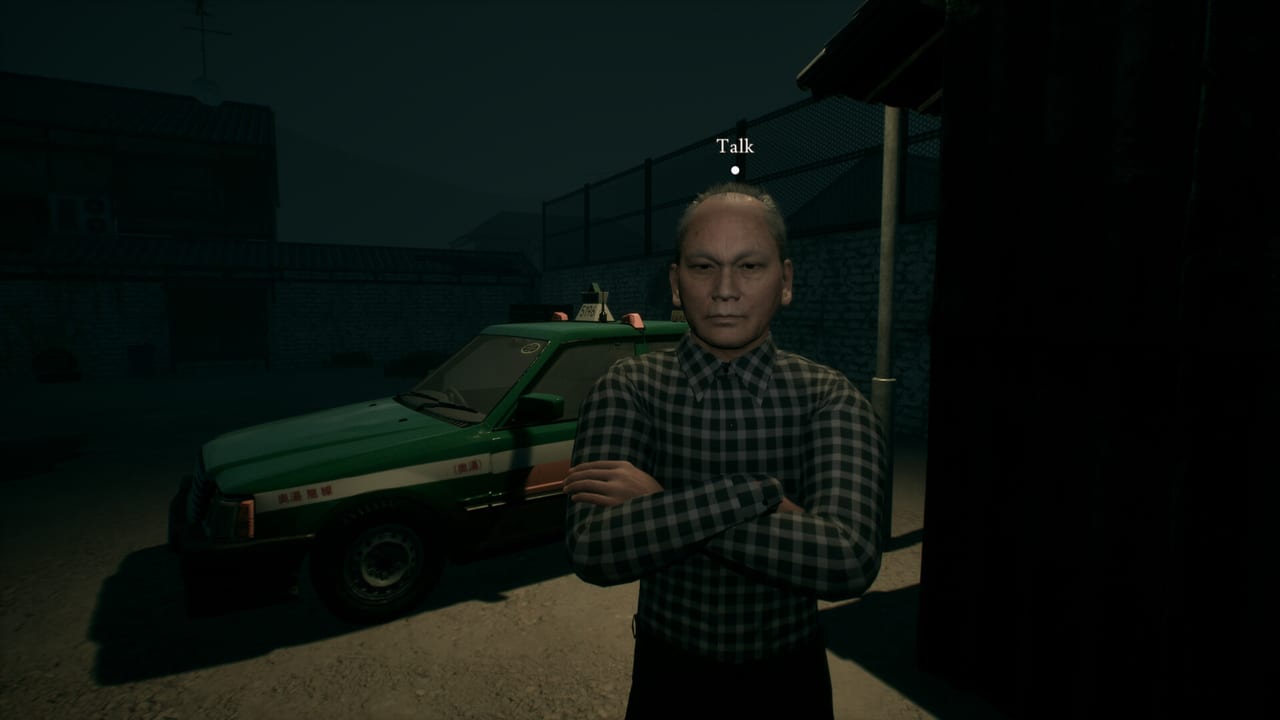
Before you request a playtest or plan a 2027 launch-night session, compare your machine to the Steam system requirements for Road to Jukai. The numbers below reflect the public specification set used by this wiki: 64-bit Windows, DirectX 11, and GPUs in the GTX 760 (minimum) to GTX 1070 Ti (recommended) neighborhood. Always recheck the Steam store page if Endflame updates the table.
Minimum requirements
- OS: Windows 10 64-bit
- Processor: Quad-core CPU at roughly 2.5 GHz
- Memory: 8 GB RAM
- Graphics: NVIDIA GeForce GTX 760 (or equivalent)
- DirectX: Version 11
- Storage: 2 GB available space
Minimum means the game should run with compromised settings. Expect to lower shadows, reflections, and volumetric fog if you sit on this floor—especially during exterior night drives.
Recommended requirements
- Processor: Intel Core i7-4770K / AMD Ryzen 5 class (or better)
- Memory: 16 GB RAM
- Graphics: NVIDIA GeForce GTX 1070 Ti (or equivalent)
- OS / DirectX / Storage baseline: Still plan for Windows 10 64-bit (or newer), DirectX 11, and at least the stated storage footprint—leave headroom for shader caches and Windows updates.
Recommended is the comfort zone for stable frame pacing in dark, foggy scenes. It is not a promise of 4K ultra with ray tracing; public materials emphasize DX11-class targeting.
Steam Deck and handhelds
Steam Deck verification status is unknown in our verified notes. Do not assume Verified or Playable badges until Valve’s store widget says so. Handheld players should expect to test proton compatibility during playtest waves, reduce native resolution, and prioritize stable frame times over maximum shadows. Report Deck-specific bugs through official channels listed on Official Links rather than assuming a wiki can certify hardware Endflame has not.
Performance tips for fog and night scenes
Road to Jukai sells dread with limited visibility. Fog, headlights, wet asphalt, and cabin contrast are heavier than a bright daytime corridor.
- Cap the frame rate to your display’s comfort zone to reduce hitching that feels like fake jump scares.
- Lower volumetric fog / effects first if FPS tanks on forest roads.
- Watch VRAM on 2–4 GB cards; close browser GPU tabs before launching.
- Disable heavy overlays (broadcast, RGB, aggressive FPS monitors) while testing.
- Keep a readable brightness without washing out the grade—see also Controls for comfort notes.
- Update GPU drivers before a new playtest build; shader compilation stutters are common on first launches.
- Prefer wired headsets / audio troubleshooting separately from GPU issues so you do not mislabel an audio ducking bug as a performance bug.
- Thermals matter on laptops — night sessions are long; undervolt or use a cooler if throttling hits during extended drives.
Storage and install planning
Two gigabytes is a small modern footprint, but playtest builds can differ from shipping size. Leave extra SSD space for Steam download buffers. Install on an SSD when possible so stuttery texture streaming does not stack on top of fog costs.
Controllers and mixed setups
Partial controller support means some players will keep a mouse nearby for UI. That does not change GPU requirements, but it does change your desk plan. Verify pads before a tense night using the Controls guide, and keep Bluetooth devices charged—a dead controller mid-fare is a different kind of horror.
How specs intersect with the rest of the wiki
- Calendar: Release Date
- Access: Join the Playtest
- Notifications: Wishlist Guide
- Loop: How to Play
- Hub: Tools Hub
Honest expectations
Meeting minimum specs does not guarantee cinematic trailer fidelity. Trailers on the Trailers page are graded for marketing; your playtest may look softer. If your PC is below minimum, wait for lower presets, Deck clarity, or cloud options that do not exist yet—do not pirate “optimized” builds from random links.
Hit recommended specs if you can, tune fog before blaming the haunted forest for hitching, and recheck Steam when the 2027 build ships. The Jukai should scare you; your GPU fans should not.
Frequently Asked Questions
Quick answers for night-shift drivers preparing for Jukai.
What GPU do I need at minimum?
Public specs list an NVIDIA GeForce GTX 760 class card (or equivalent) as the minimum graphics requirement.
Is 8 GB of RAM enough?
Eight GB is the minimum. Sixteen GB is recommended for healthier multitasking and stability.
Is Road to Jukai Steam Deck Verified?
Not in our verified notes. Treat Deck support as unknown until the Steam widget says otherwise.
Why do night scenes stutter on older PCs?
Fog, lights, and dark contrast scenes are fill-rate heavy. Lower volumetric effects and cap FPS before dropping resolution.
Where should I go after checking specs?
Wishlist with the Wishlist Guide, then read Join the Playtest or Getting Started.