Road to Jukai Wishlist, Follow & Notify
Set up Steam so the 2027 launch and playtest waves cannot sneak past you.
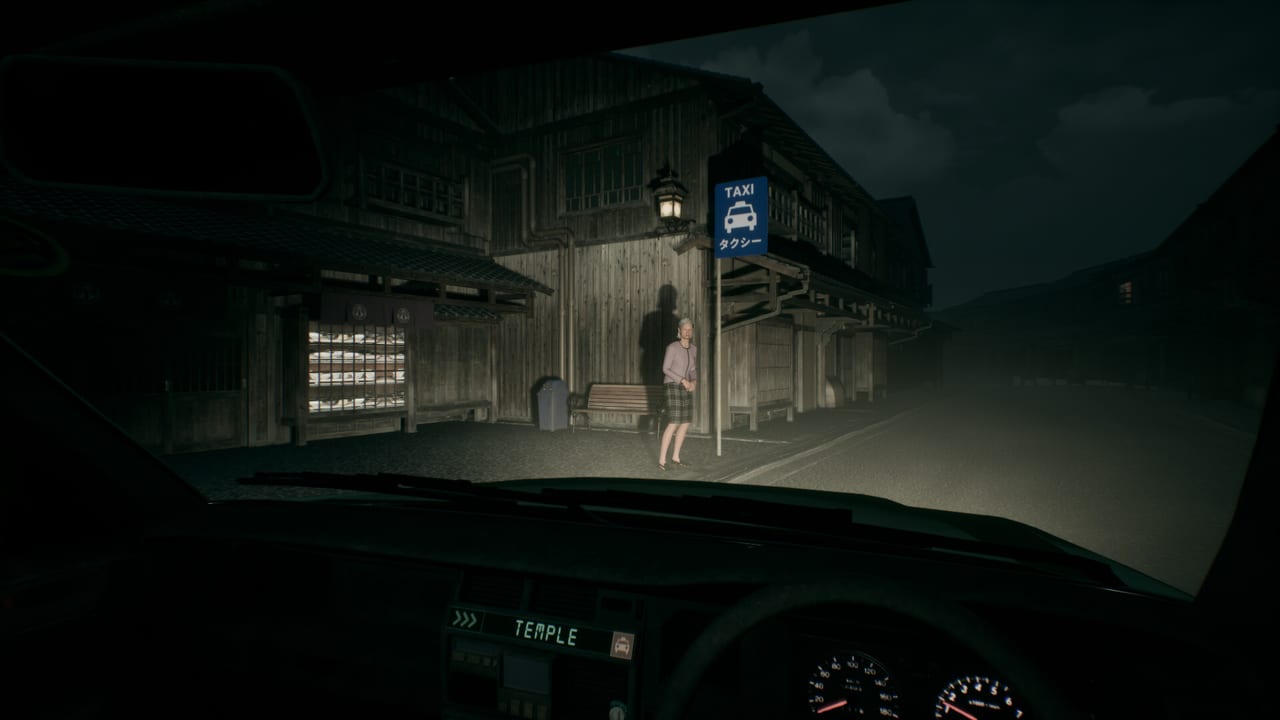
Wishlisting is the simplest way to tell Steam—and Endflame—that you want Road to Jukai when it leaves the 2027 release window and becomes a buyable build. This guide covers Wishlist, Follow, notification toggles, and how those steps sit beside a playtest request. It is written for PC Steam users; there is no Roblox path and no fake mobile store button.
Wishlist in five steps
- Sign into Steam on the account you actually use for purchases.
- Open Road to Jukai on Steam.
- Click Add to your Wishlist.
- Optional but smart: open your wishlist and pin or sort the game so it does not vanish under a hundred other coming-soon titles.
- When friends ask for the link, send the official app URL—not a random reseller page.
If you previously wishlisted during the Silent Road era, confirm you still see the title on this same app ID after the rename. Duplicate store pages are rare but worth a glance.
Follow the store page
Wishlist catches release-oriented mail. Follow catches Steam news-hub posts: playtest waves, trailer embeds, and developer announcements. On the store page, click Follow. Combined with wishlist, you get broader coverage than either button alone.
Notification settings that actually fire
Steam can email or push-notify you, but only if your account preferences allow it:
- Open Steam → Settings → Notifications (wording can vary slightly by client version).
- Enable notifications for wishlist releases and followed-game news if present.
- Check the email address on your Steam account is current.
- On mobile, install the Steam app and allow system notifications if you want phone pings.
- Filter rules in Gmail/Outlook sometimes bury Steam mail—whitelist the sender if you can.
Do not rely solely on Twitter/X algorithms. Pair Steam notify with the social list on Official Links.
Playtest request vs wishlist
Wishlist does not automatically enroll you in a playtest. You must use the playtest request control on the store page when it is visible. Full steps live on Join the Playtest. Ideal order:
- Wishlist
- Follow
- Request playtest access
- Install when accepted
- Keep the wishlist after the test ends so the 2027 commercial launch still alerts you
Why wishlist counts matter (without cope)
Wishlist totals help publishers plan visibility. They are not a moral scoreboard. Wishlist because you want the game, not because a comment section demanded a number. If the mature themes—including depictions of suicide—make you unsure, read Getting Started and passenger advisories before spending emotional energy on launch hype.
Sharing and regional tips
- Use the official Steam URL when posting on Discord.
- If a regional store redirects oddly, still confirm app 4124320.
- Avoid “wishlist bots” or shady browser extensions; they risk account security and help nobody.
- Family View or child accounts may block store actions—adjust Steam Guard / Family settings carefully.
After you click the buttons
Prepare mechanically: System Requirements, Controls, How to Play. Prepare narratively: Six Nights, Passengers Hub. Prepare culturally: Trailers so you recognize whether a new upload still says Silent Road or already says Road to Jukai.
Related tools and hubs
- Tools Hub — specs + this guide.
- Updates Hub — news timeline.
- Guides Hub — how-tos.
- Official Links — Discord, X, YouTube, Bluesky, Linktree.
Wishlist is not gameplay, but it is how you make sure the night shift can find you when the meter finally starts in 2027. Click the button, follow the page, set notifies, request the playtest if you want it—then go practice keeping your eyes on the road.
Frequently Asked Questions
Quick answers for night-shift drivers preparing for Jukai.
Does wishlisting buy the game?
No. It only saves interest and enables release-related notifications according to your Steam settings.
Is Follow different from Wishlist?
Yes. Follow emphasizes news posts; Wishlist emphasizes release/wishlist messaging. Use both.
Will wishlist get me into the playtest automatically?
No. Use the separate playtest request button when it appears on the store page.
I wishlisted Silent Road—am I covered?
Usually yes if it was the same app ID. Confirm on the current Road to Jukai store page.
What should I do after wishlisting?
Follow the page, enable notifications, check system requirements, and optionally request playtest access.